
Capture UI from any site and rebuild it with AI.
Clean. Clear. Powerful.
Built from what already works.
From any website
to your editor in seconds.
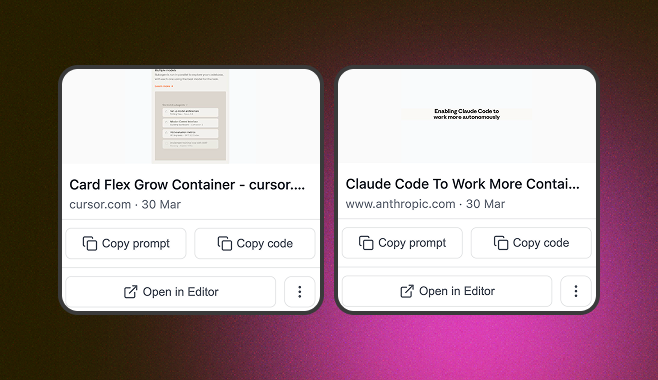
Your captured elements, organized and ready. Copy HTML whenever you need them - no hunting through tabs.
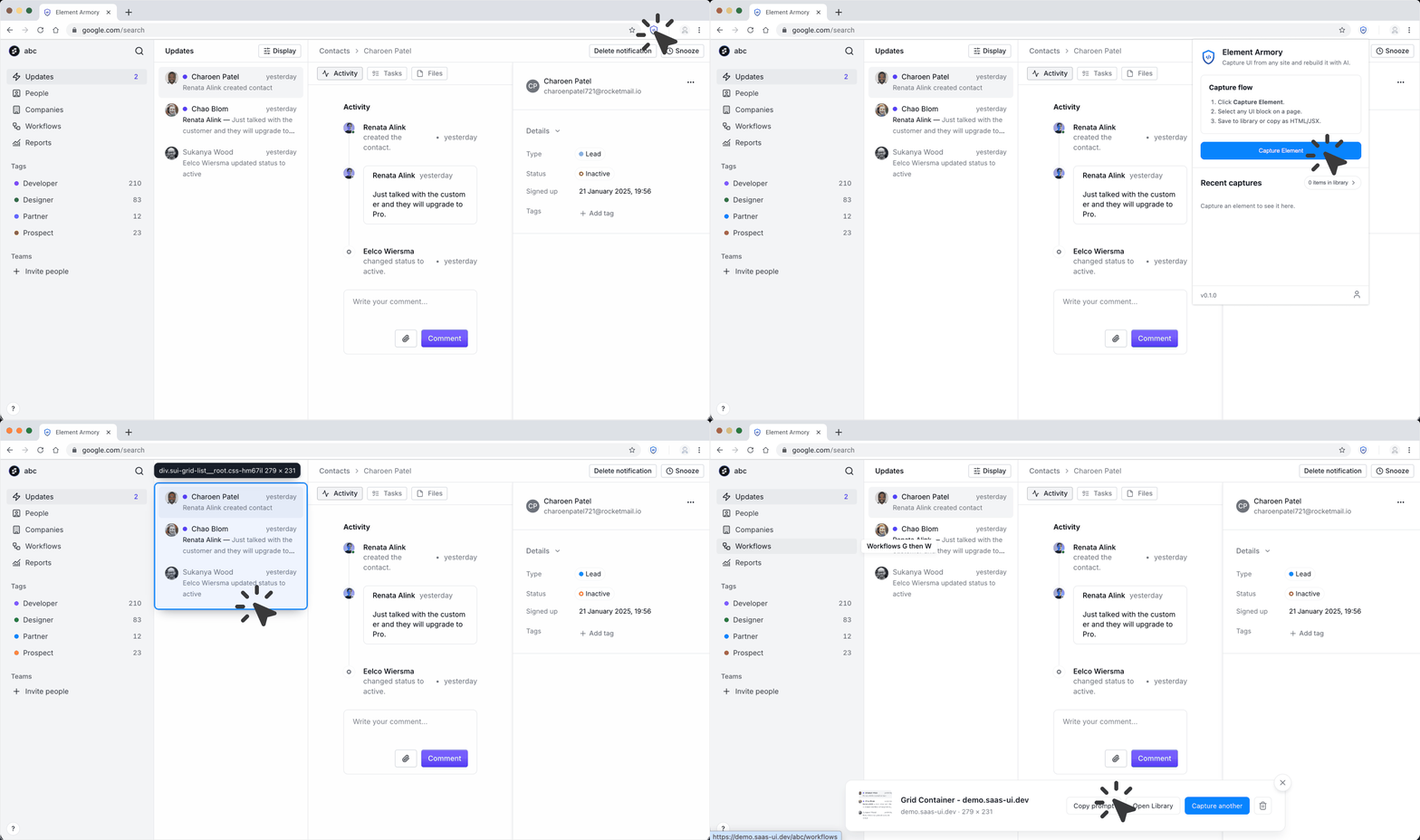
Capture flow: capture from any site, extract components, then parallel paths including export, MCP and AI, and one optional path shown as skipped.
Click. Copy. Build.
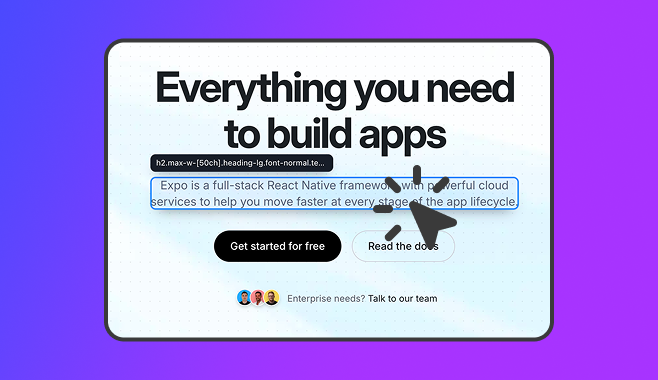
Save the good ones. Use them later.
Paste-ready. Every time.
Copy code snippets
Clean HTML with scoped styles. Paste directly into any project or framework.
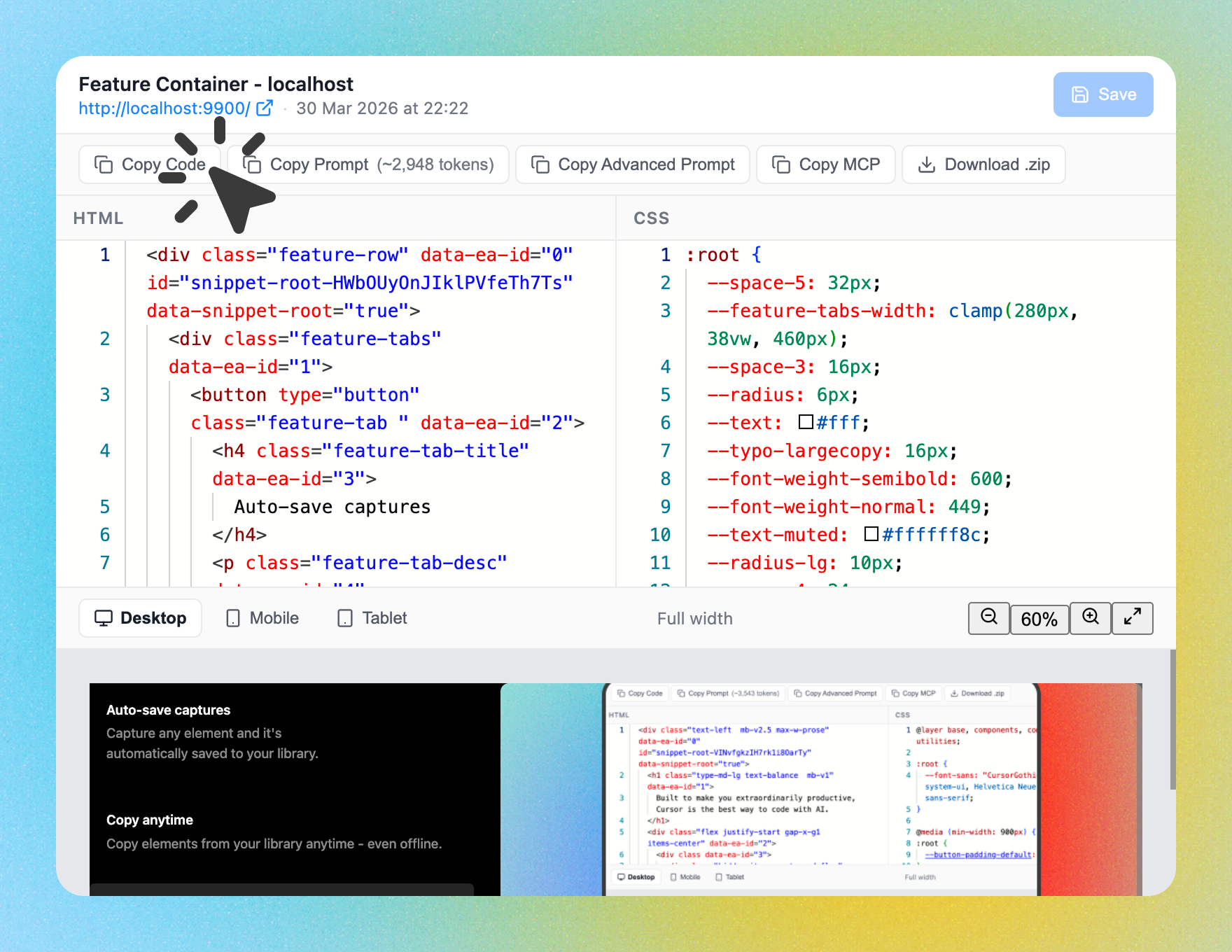
Copy AI prompt
A ready-made prompt with HTML and styles to rebuild the element in any AI tool.
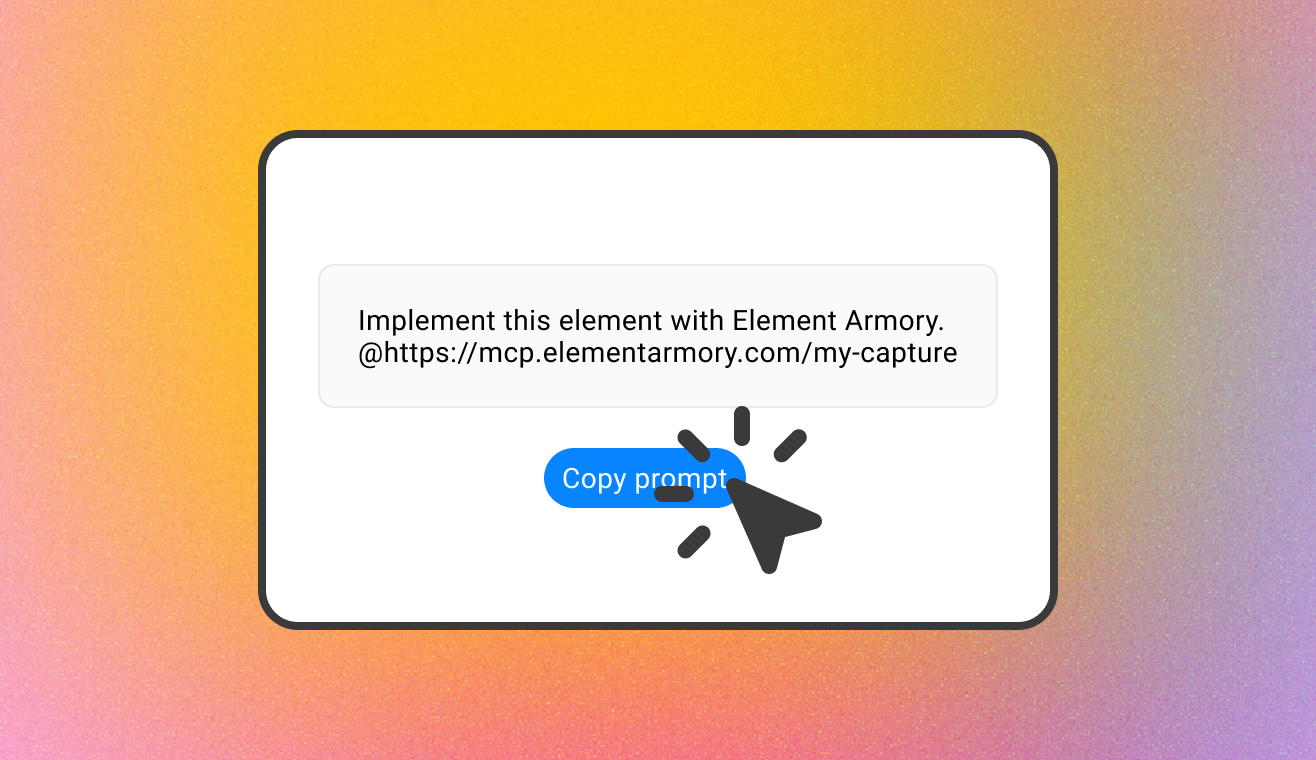
Copy advanced prompt
A codebase-aware prompt that adapts the element to match your project.
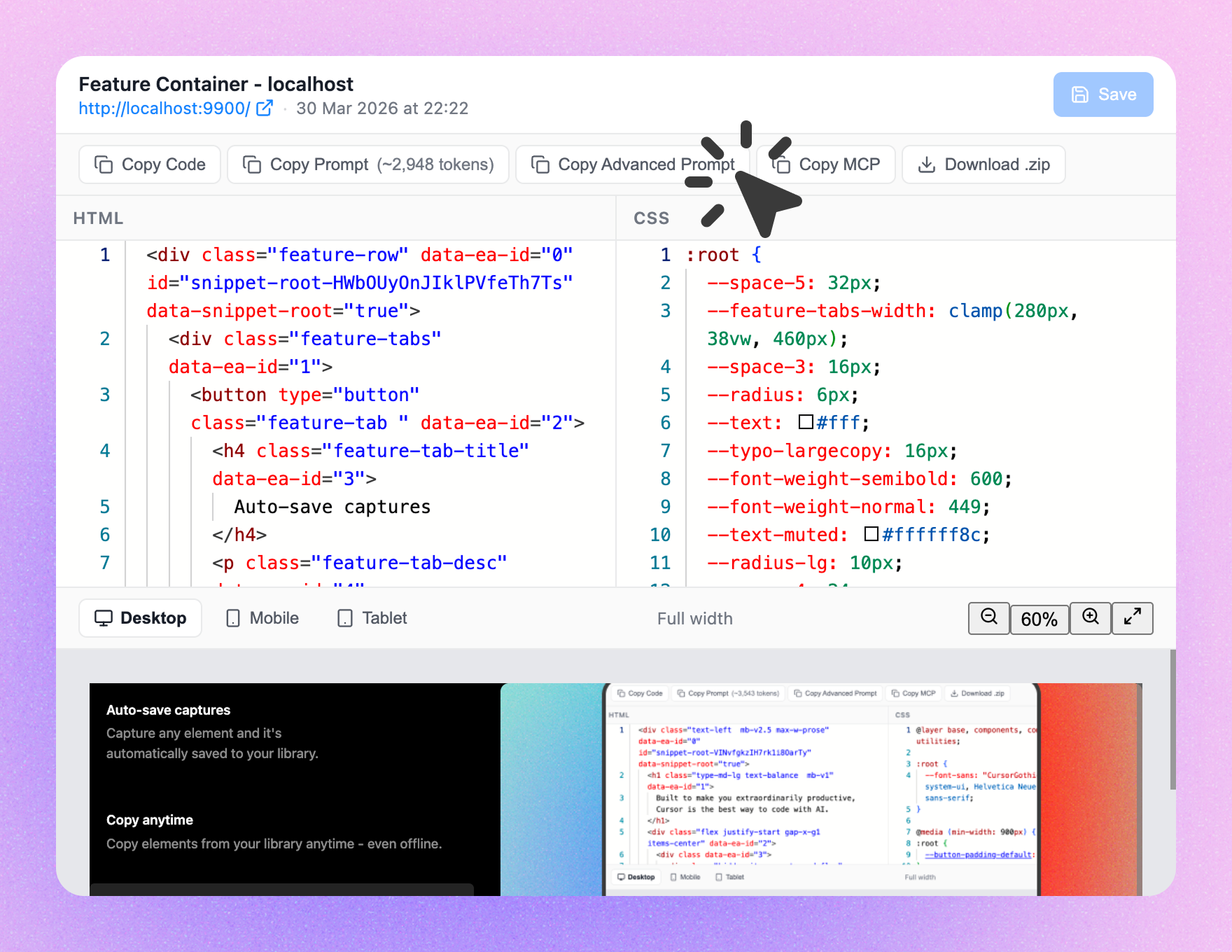
Copy MCP prompt
Use with MCP to load the element directly into your editor as context.
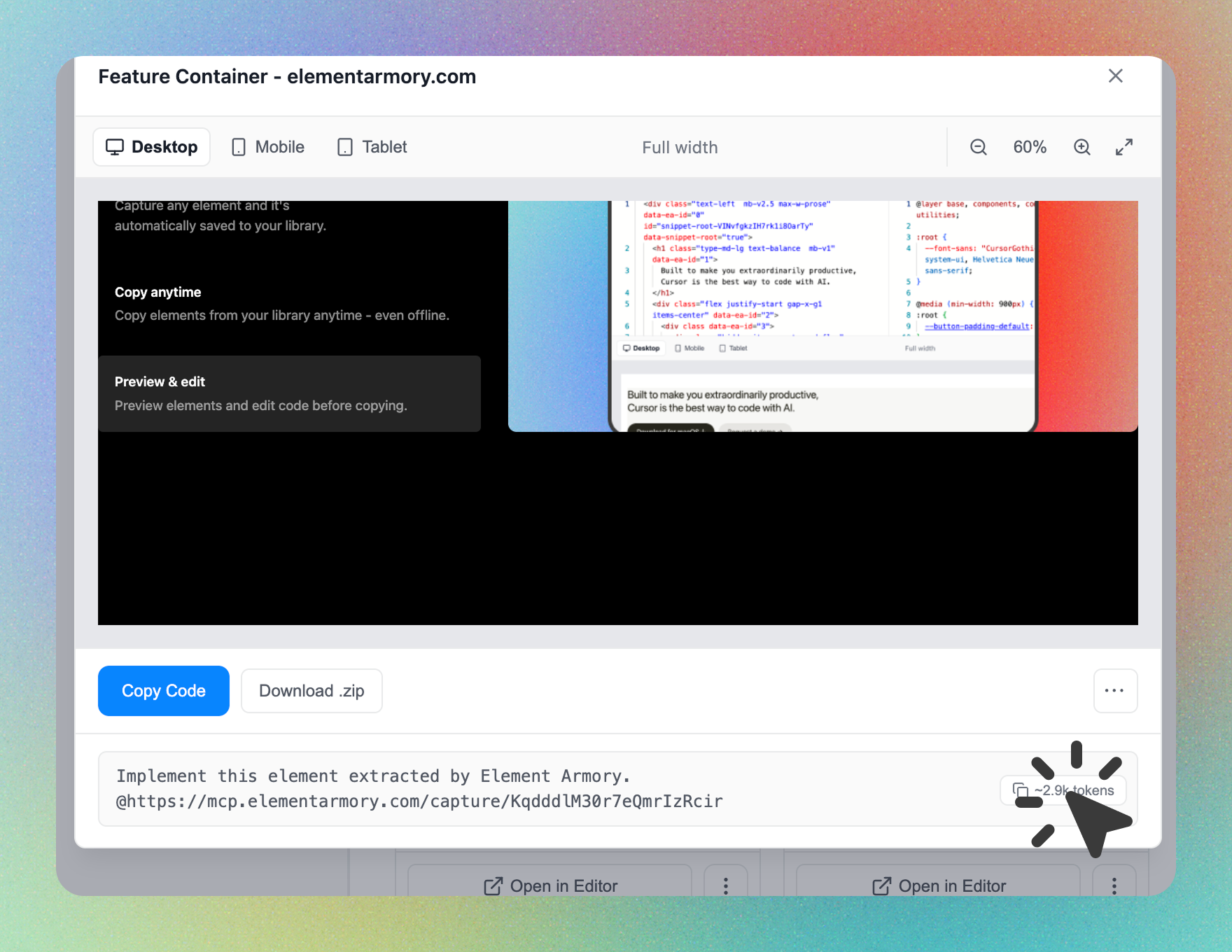
Your first capture is one click away.
Install the extension and you're ready. No sign-up required.
View examples
See how Element Armory can help you build UI faster.
Get started
Install the extension and you're ready. No sign-up required.
Guides and articles
Copy Any Website Element and Convert It to React
A practical workflow for capturing UI from any site and rebuilding it as a clean React component.
Easiest Way to Copy CSS from Any Website
Compare manual DevTools methods vs automated extraction, with real workflows for AI tools.
Capture UI for Claude Code
Feed production-quality HTML and CSS directly into Claude Code for faster, more accurate component generation.
Send HTML to Cursor
Capture any live UI element and drop it straight into Cursor as working context — no manual copy-paste.

How to Vibe Code Beautiful UI
Stop asking AI to invent everything. Give it structure, references, and constraints — here's the workflow.
Copy Production-Ready UI from Live Websites
Extract complete HTML and CSS from any live website in one click. Clean output you can paste straight into your project.

How to Vibe Code UI Without Getting Stuck
Capture real interfaces, break them into pieces, and rebuild with intent. The fastest path out of a stuck vibe session.
DivMagic for AI Coding: Why It Falls Short
DivMagic is built for design conversion. AI coding workflows need something different — here's what works better.
Frequently Asked Questions
Element Armory is a Chrome extension that captures any UI element from a webpage and exports it as clean HTML. Save captured elements to a personal library and reuse them in your projects or feed them directly to AI tools.
Install the extension, then click any element on a page. Element Armory extracts it with minimal, portable styles-only display, layout, typography, and color. No scripts, trackers, or extra markup. Export as clean HTML in one click.
Element Armory is available as a Chrome extension. Support for other browsers may be added in the future. Check the Chrome Web Store for the latest version.
Yes. Install the extension and start capturing immediately-no account required. Create a free account for 25 saved snippets, 20 captures per month, and the basic AI prompt. Upgrade to Pro to remove all limits and unlock the advanced prompt and MCP copy.
Capture runs entirely in your browser-page content is not sent to our servers during capture. When you save a snippet to your library, the HTML and CSS are stored to your account for sync across devices. We don’t use your captured content for anything beyond storage and sync. See our Privacy Policy for details.