
The UI you want is already built. Just capture it.
Click any element on any site. Get clean HTML in one click.
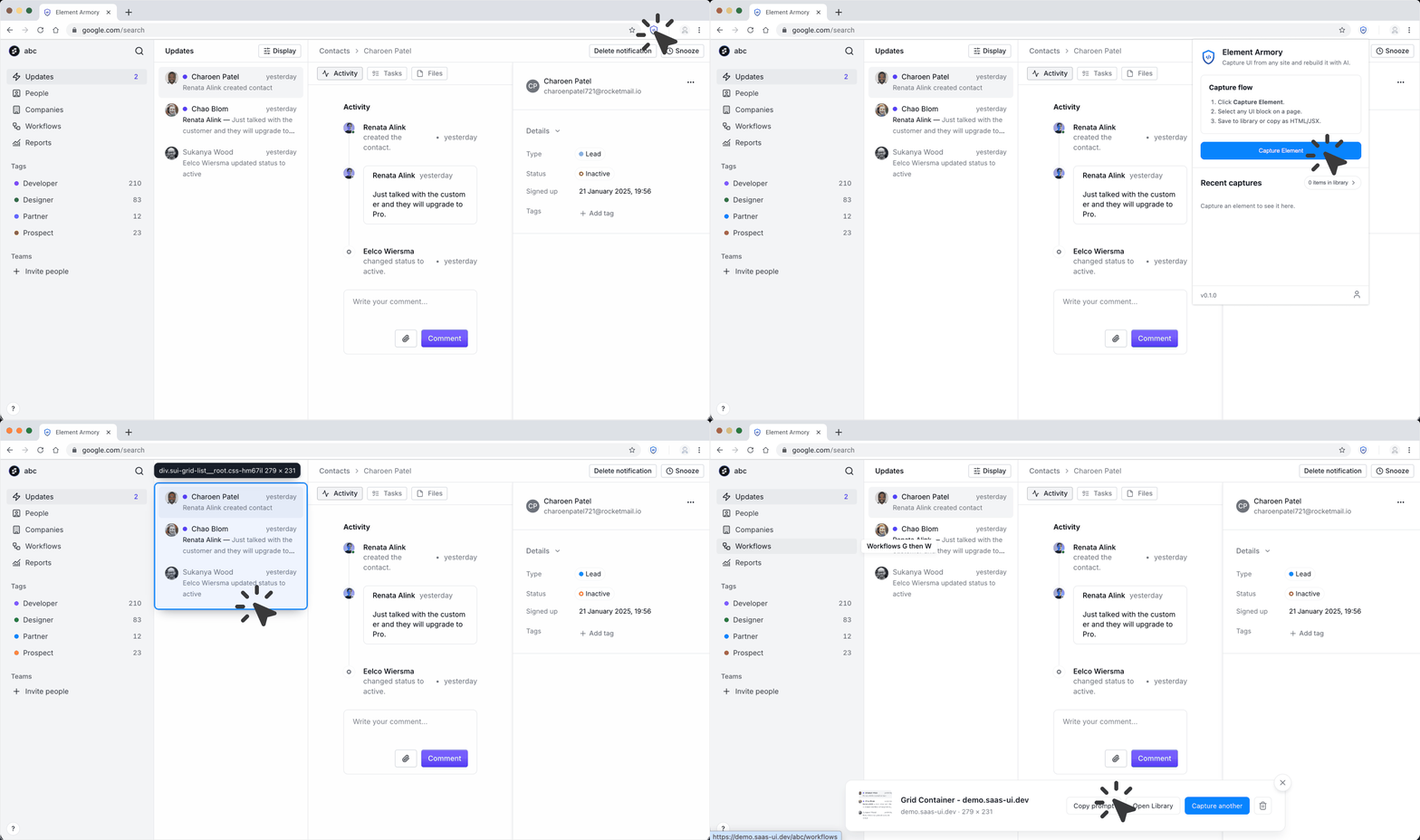
Any element. Any site. Yours in seconds.
One click. Clean code. Zero friction.
Capture flow: capture from any site, extract components, then parallel paths including export, MCP and AI, and one optional path shown as skipped.
From any website
to your editor in seconds.
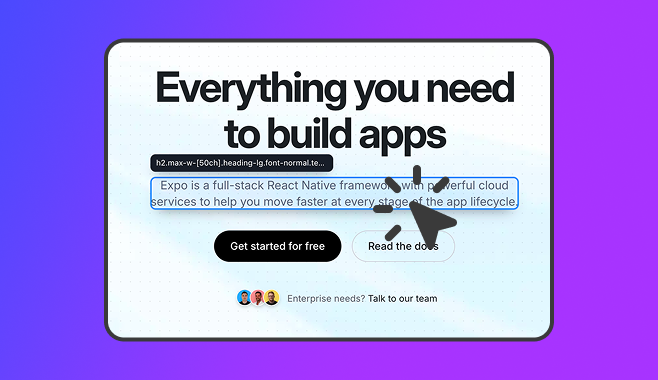
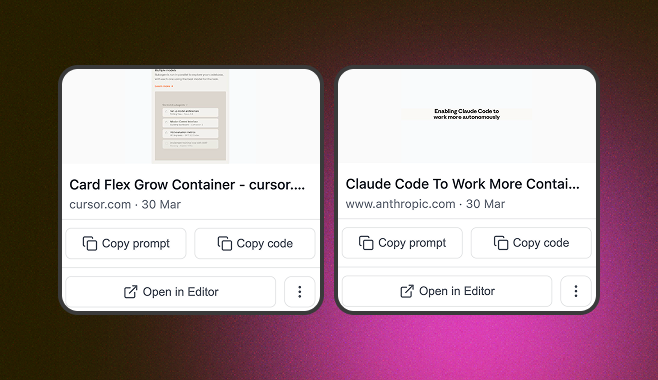
Your captured elements, organized and ready. Copy HTML whenever you need them - no hunting through tabs.
Your UI collection. Always one click away.
Your AI coding tool already knows what to build.
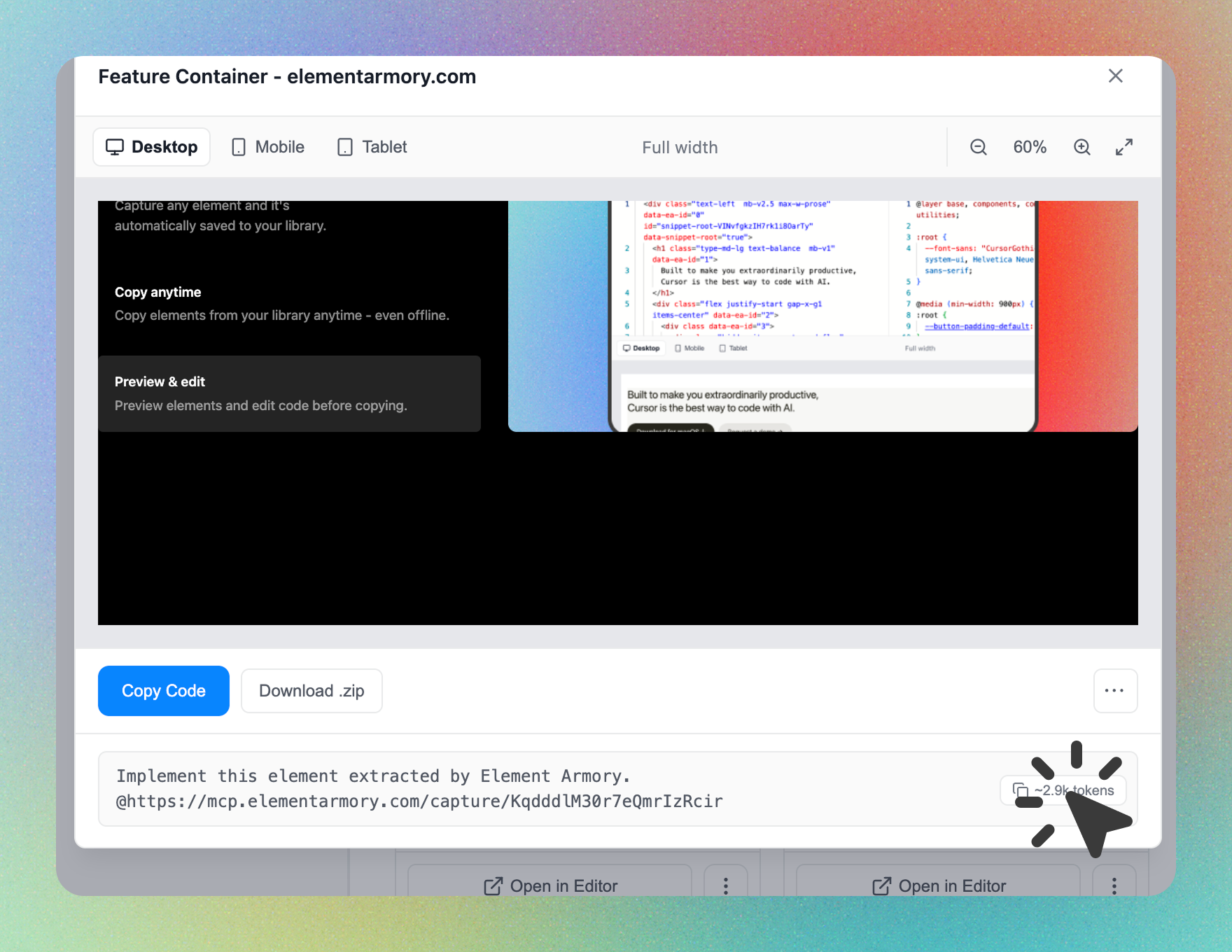
Clean by design. Not by accident.
Copy code snippets
Clean HTML with scoped styles. Paste directly into any project or framework.
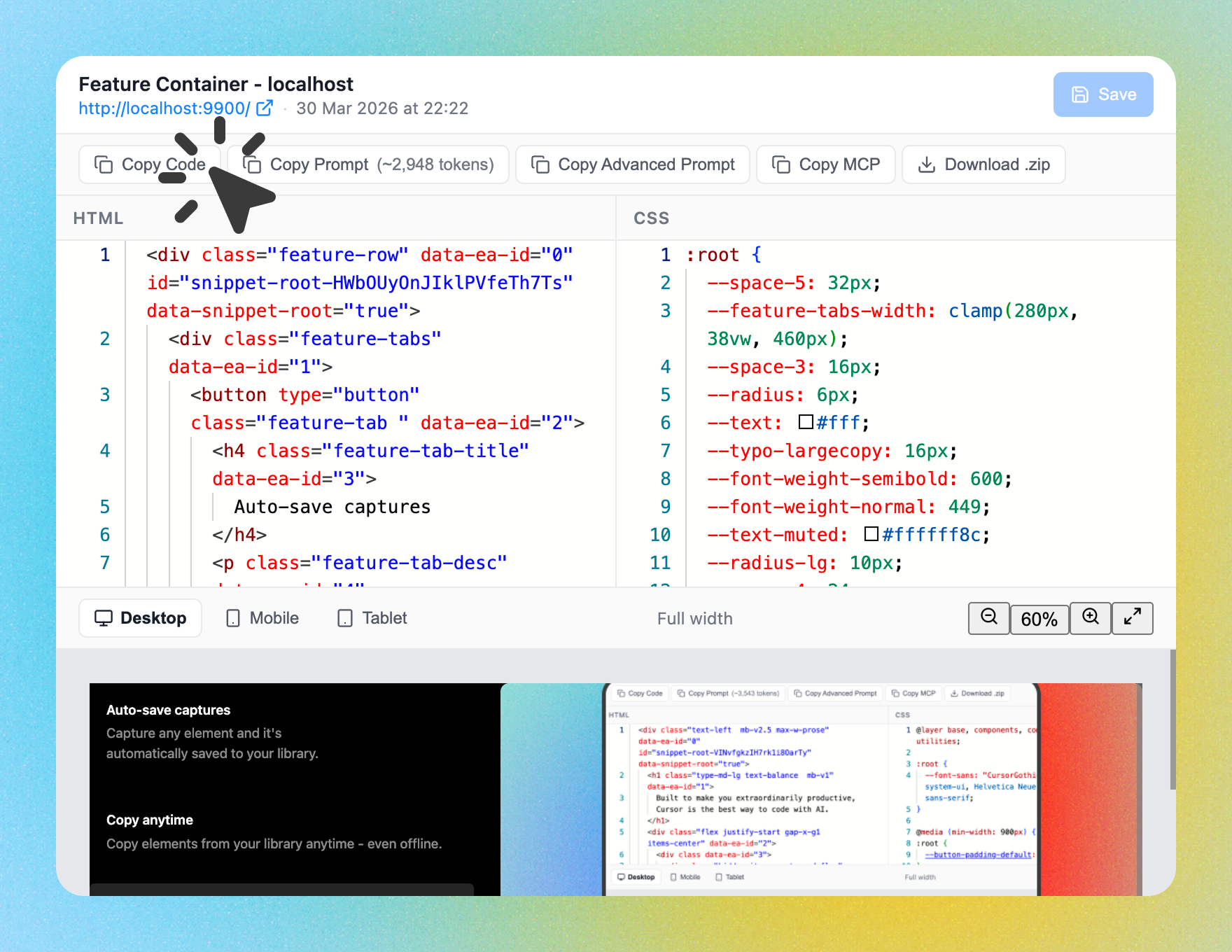
Copy AI prompt
A ready-made prompt with HTML and styles to rebuild the element in any AI tool.
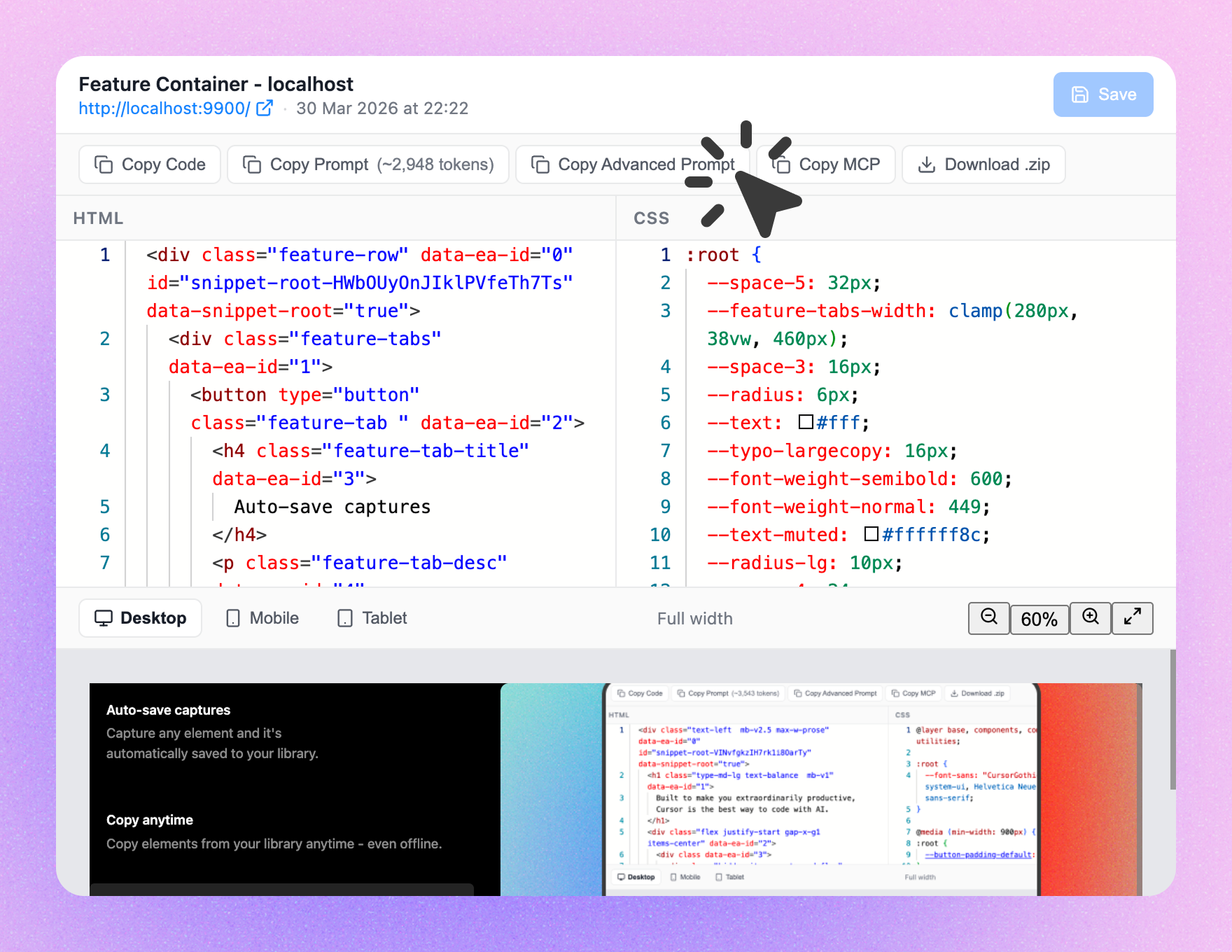
Copy advanced prompt
A codebase-aware prompt that adapts the element to match your project.
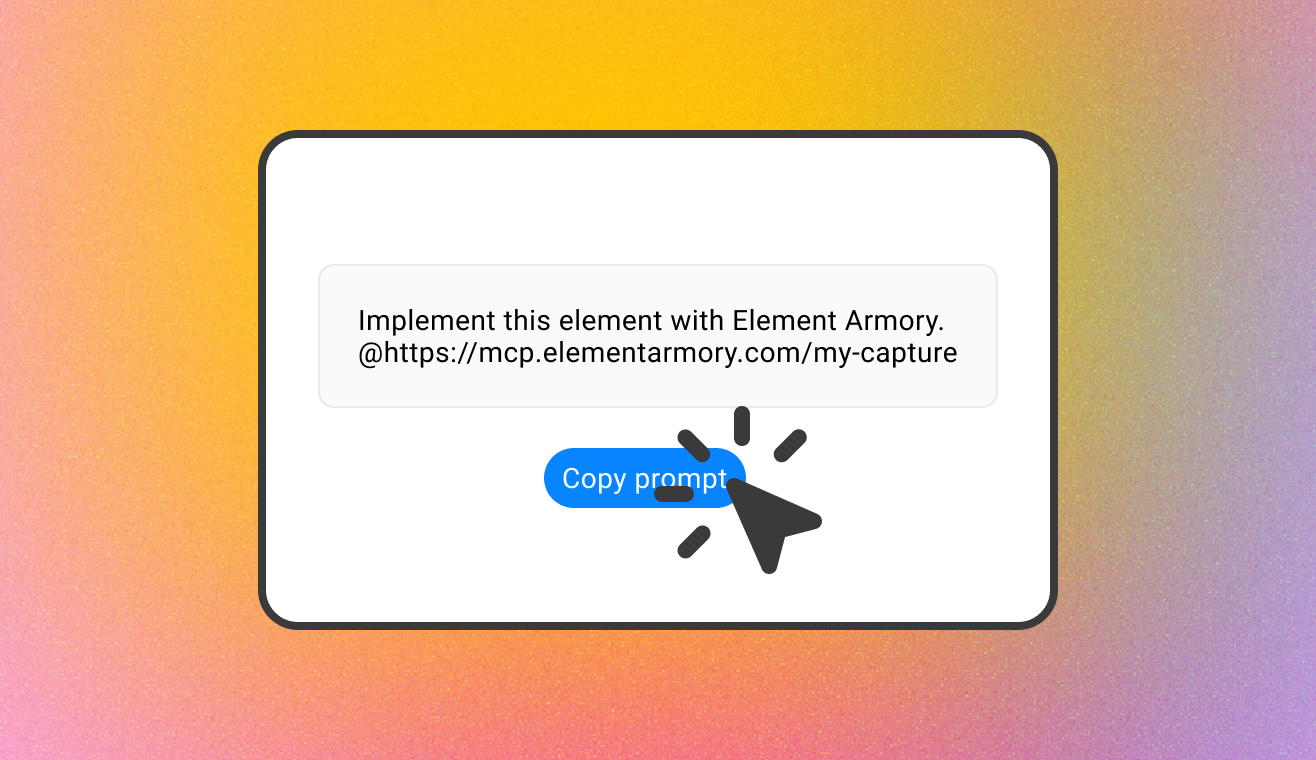
Copy MCP prompt
Use with MCP to load the element directly into your editor as context.
Your next feature is already designed. Go get it.
Install in 30 seconds. No sign-up required to start capturing.
Start capturing now
Install the extension, open any site, click any element. That's it.
Connect your AI tool
Set up the MCP server in Cursor or Claude in under two minutes. Your captures flow directly into your editor.
Frequently Asked Questions
Yes. Element Armory works on any publicly accessible site. Click an element and it captures the HTML structure plus the computed styles that apply to it - no need to hand-pick rules from a stylesheet.
Copy outerHTML gives you the element's markup and inline styles only - no computed CSS from external stylesheets, no cleanup. Element Armory captures the HTML and its actual computed styles together, strips tracking and data attributes automatically, and saves the result to a reusable library instead of a one-off clipboard paste.
Yes. Element Armory ships with an MCP server. Connect it to Cursor and captured elements land directly in your editor context. Setup takes under two minutes - see the help docs for a step-by-step guide.
Yes. HTML output is clean markup with a scoped CSS style block-it works in any project without modification. Framework-neutral and requires no cleanup. HTML is the only export format today - there's no JSX or Tailwind conversion, so you paste markup and adapt it with your own framework tooling or AI assistant.
No. Install the extension and start capturing immediately. An account is required to save snippets to your library and sync across devices.
Any publicly accessible website. Element Armory runs entirely in your browser - it doesn't need access to a site's source code or APIs.
No. Once captured, your snippet is independent of the original site. Changes to the source don't affect anything saved in your library.
The MCP server connects Element Armory to MCP-compatible AI editors. When you capture an element, it becomes available as context inside your editor so your AI tool can reference it directly when generating code.
No - by design. Element Armory captures visual structure and styles only. No scripts, event handlers, or runtime logic are included. This keeps output portable and safe to paste into any project.