
Become a UI master.
Designed to help you capture, copy, and build UI faster than ever before.
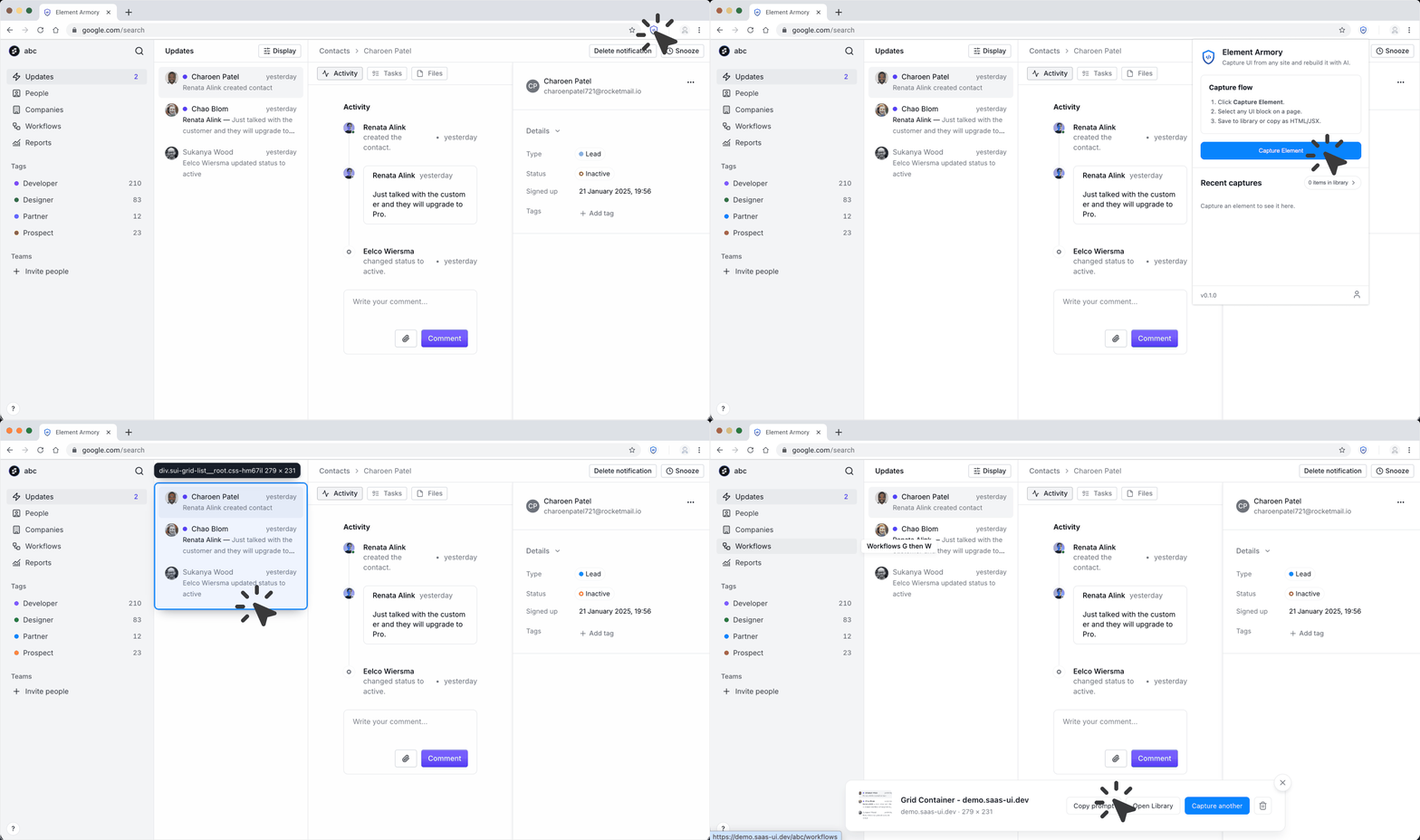
One click. Clean code. Zero friction.
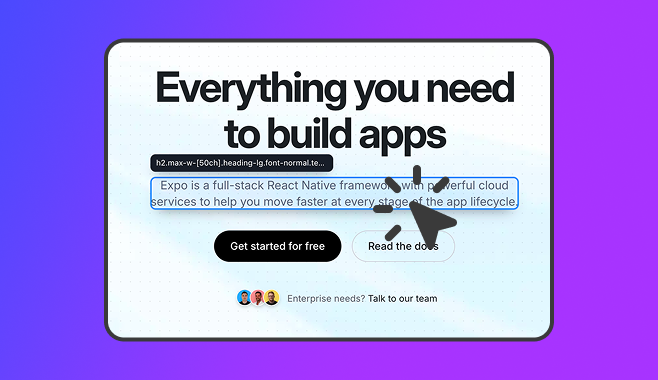
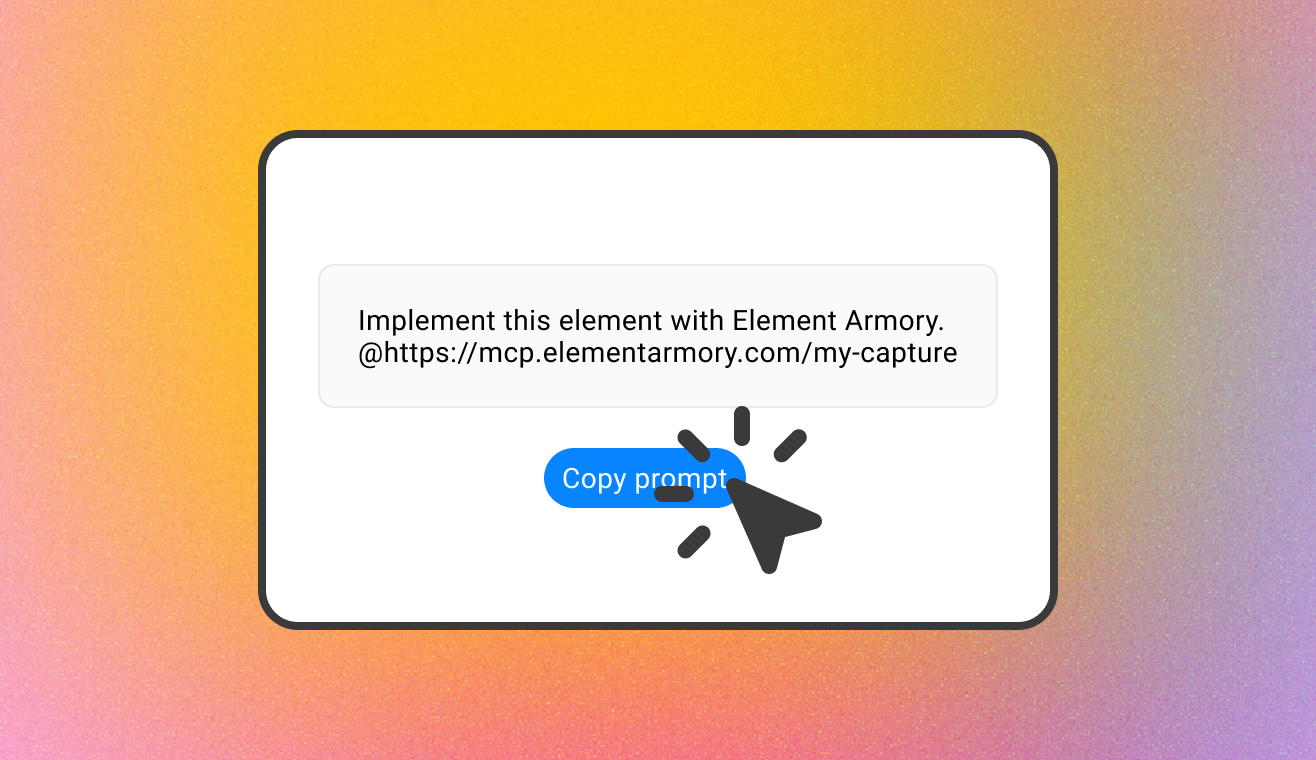
Your AI tool already knows what to build.
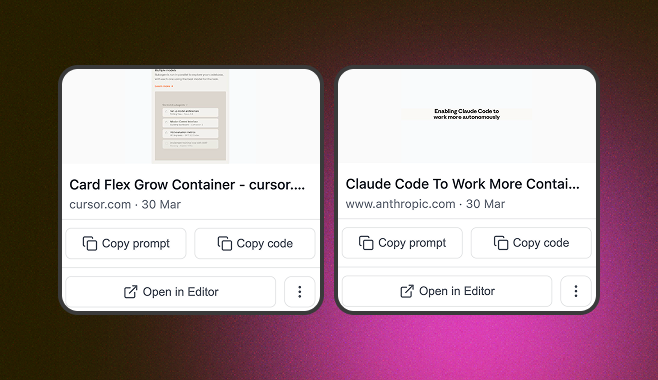
Your UI collection. Always one click away.
Save to your personal library
After capturing, save the element with a title and source URL-so you can reuse it across projects without revisiting the original site.
Sync across devices
Your library syncs to your account-so you can access your full collection from any machine, always up to date.
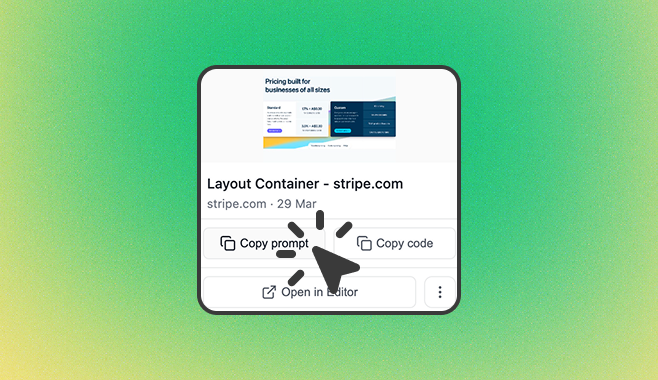
Everything in one place.
| Feature | Element Armory |
|---|---|
| Capture any UI element in one click | ✓ |
| Copy clean HTML with inline styles | ✓ |
| Generate AI-ready prompts | ✓ |
| Connect via MCP serverWorks with Cursor, Windsurf, and any MCP-compatible editor. | ✓ |
| Save to your personal library | ✓ |
| Sync across devices | ✓ |
| Advanced codebase-aware promptsIncludes your file structure, conventions, and style rules. | ✓ |
Frequently Asked Questions
Element Armory is a Chrome extension that captures any UI element from a webpage and exports it as clean HTML. Save captured elements to a personal library and reuse them in your projects or feed them directly to AI tools.
Install the extension, then click any element on a page. Element Armory extracts it with minimal, portable styles-only display, layout, typography, and color. No scripts, trackers, or extra markup. Export as clean HTML in one click.
Element Armory is available as a Chrome extension. Support for other browsers may be added in the future. Check the Chrome Web Store for the latest version.
Yes. Install the extension and start capturing immediately-no account required. Create a free account for 25 saved snippets, 20 captures per month, and the basic AI prompt. Upgrade to Pro to remove all limits and unlock the advanced prompt and MCP copy.
Capture runs entirely in your browser-page content is not sent to our servers during capture. When you save a snippet to your library, the HTML and CSS are stored to your account for sync across devices. We don’t use your captured content for anything beyond storage and sync. See our Privacy Policy for details.
Your first capture is one click away.
Install the extension and you're ready. No sign-up required.
View examples
See how Element Armory can help you build UI faster.
Get started
Install the extension and you're ready. No sign-up required.